Photo to video
One photo is enough to put someone on camera.
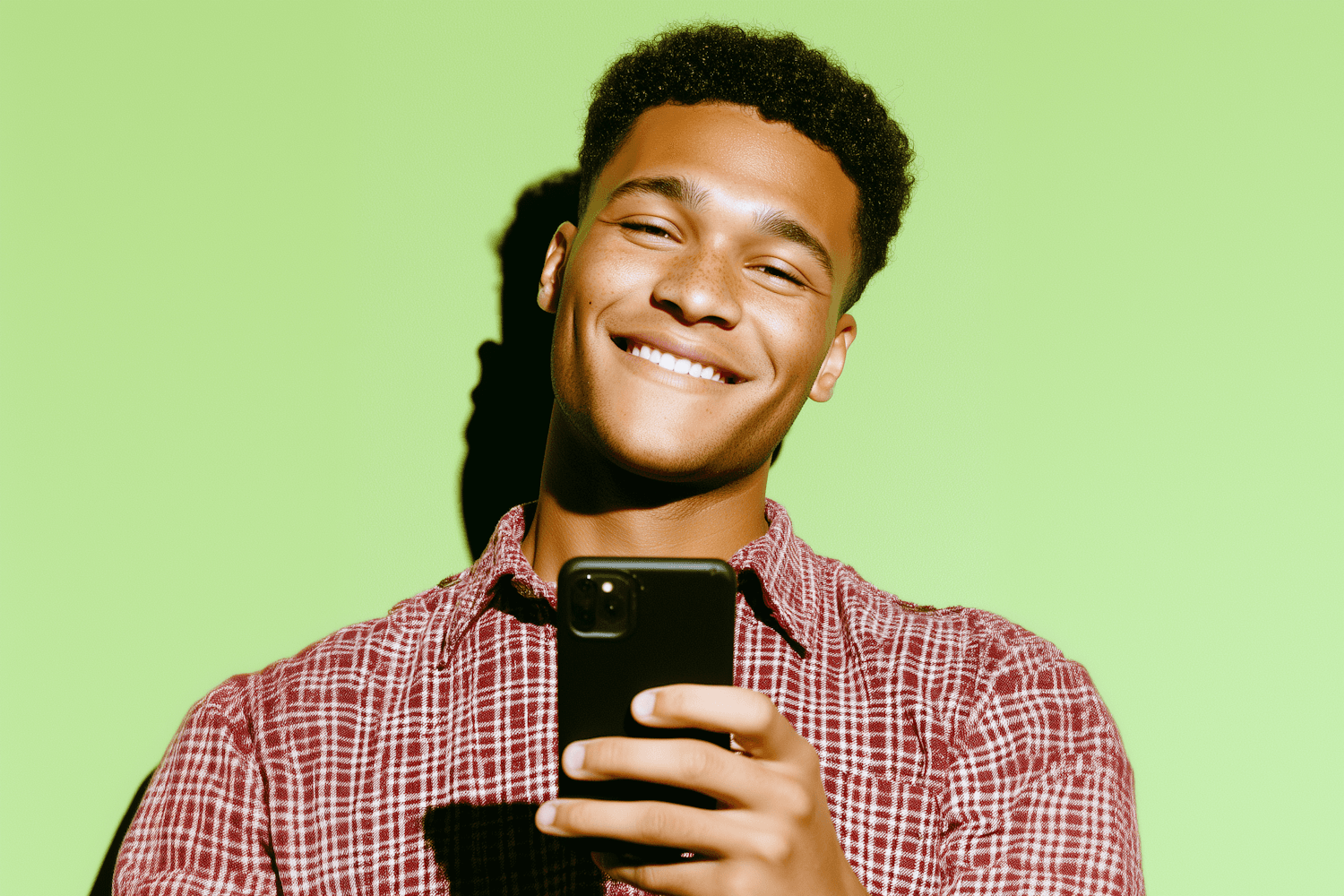
Photo to video takes a single head-and-shoulders photo of a real person and renders them speaking your script. Upload the image, paste the words, pick a voice, and the finished clip lands in your library in about two minutes. No filming is involved.
500 welcome credits, and no card needed to create an account.
Photo to video

How it works
- 1Drop a PNG, JPEG or WebP photo up to 12MB into the studio, facing the camera in good light.
- 2Write the script that person should deliver, and watch the cost update as you type.
- 3Choose a voice that suits them, then pick Fast or Premium and the shape you need.
- 4Render, then download the MP4 from your library.
What people use it for
Founder messages
Put the actual founder in the video when the face matters more than the production value.
Trainer-led content
Keep the same trainer across a whole course without booking them for every module.
Personal outreach
Send a video that clearly comes from a real named person on your team, at volume.
Updating old content
Refresh a message from someone who is no longer available to film, using a photo you already have.
Worth knowing before you start
What makes a good photo
Head and shoulders, facing the camera, even light, plain background, eyes open and unobstructed. Sunglasses, heavy shadow and extreme angles all reduce the result.
Get permission first
Only upload a photo of someone who has agreed to it. You are responsible for having the right to use that likeness and for what the presenter is made to say.
Same rates as any render
Photo-led renders are priced exactly like the rest: $3.12/min on Fast and $3.60/min on Premium, billed by the second.
